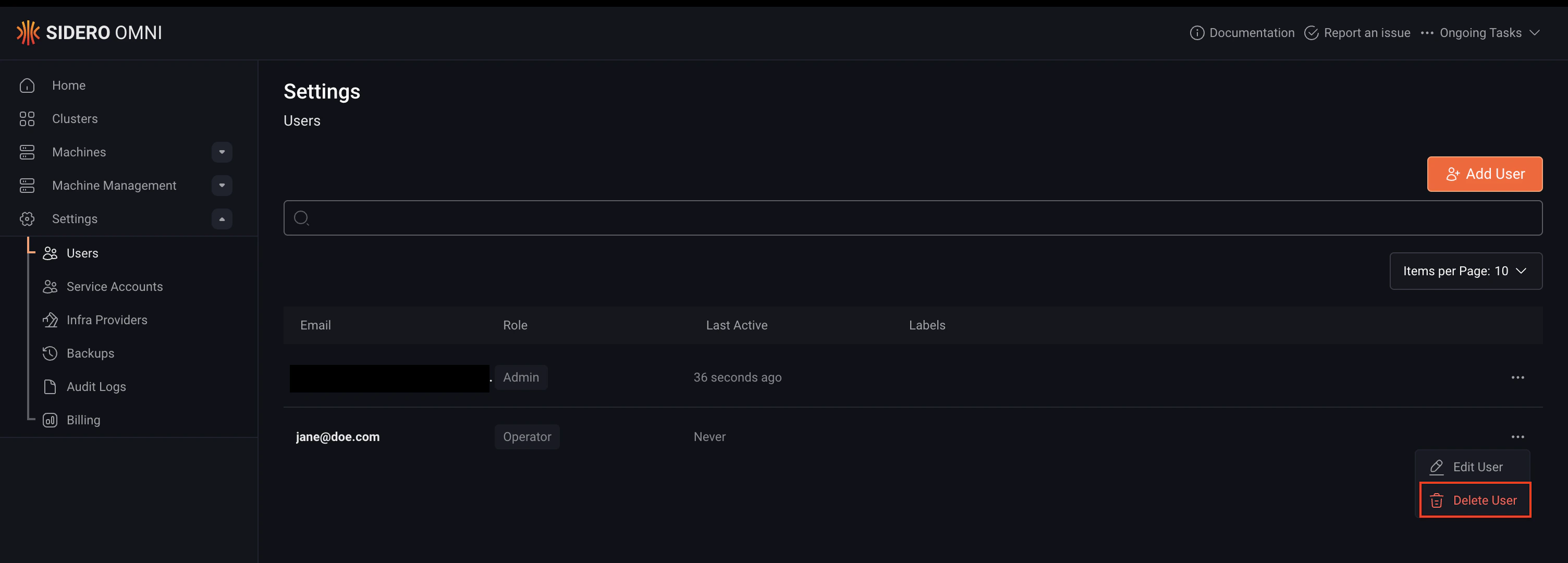
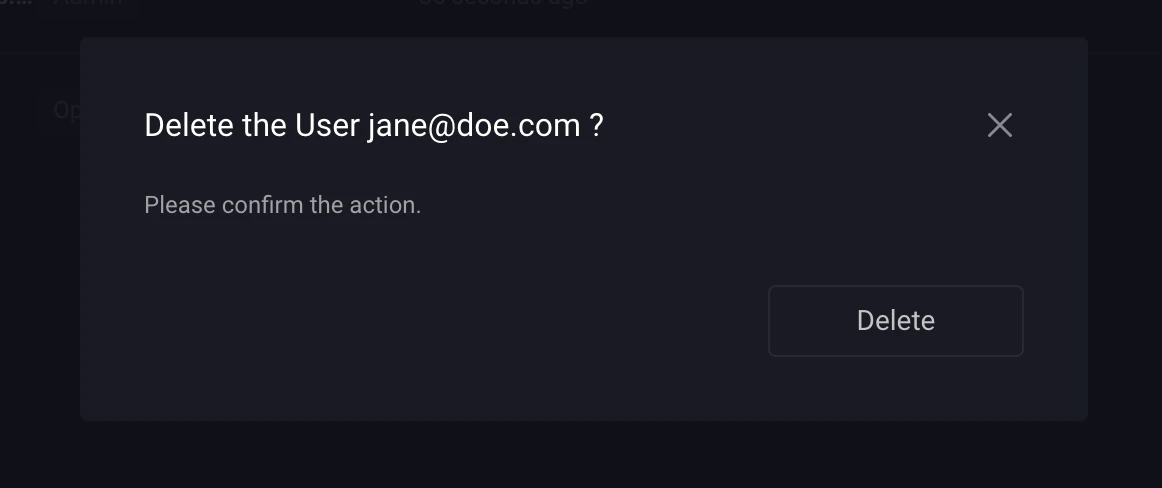
User account creation by authentication method
User account creation in Omni depends on the authentication method being used. With Auth0 and OIDC, an Omni administrator must first add the user before they can log in. With SAML, the user account is created automatically on the first login, so no manual setup is required.Prerequisites
Before managing users in Omni, add the user to your identity provider (Auth0, OIDC provider, or SAML IdP) and ensure they have permission to access Omni.Create a user
If SAML is enabled, skip this step. The user account is created automatically the first time the user logs in.
- CLI
- UI
Run this command to create a user, replacing the placeholders
<user-email-address> and <role> with their actual values: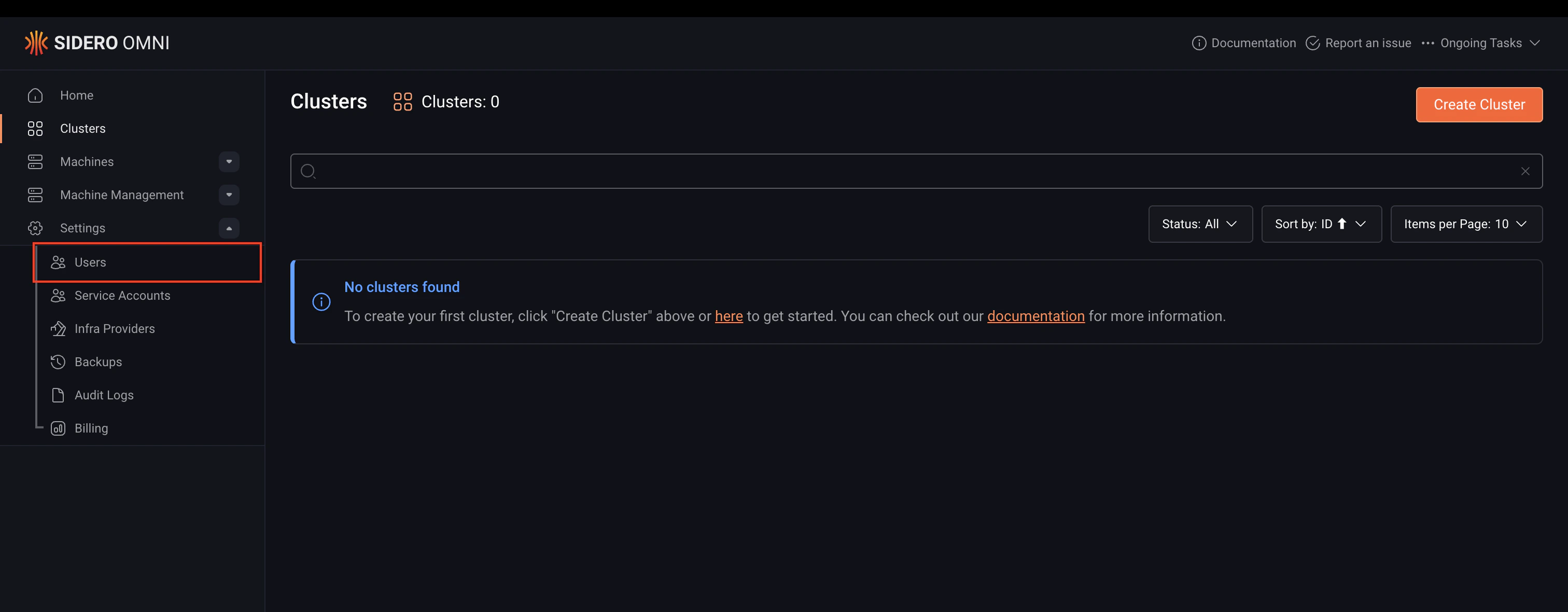

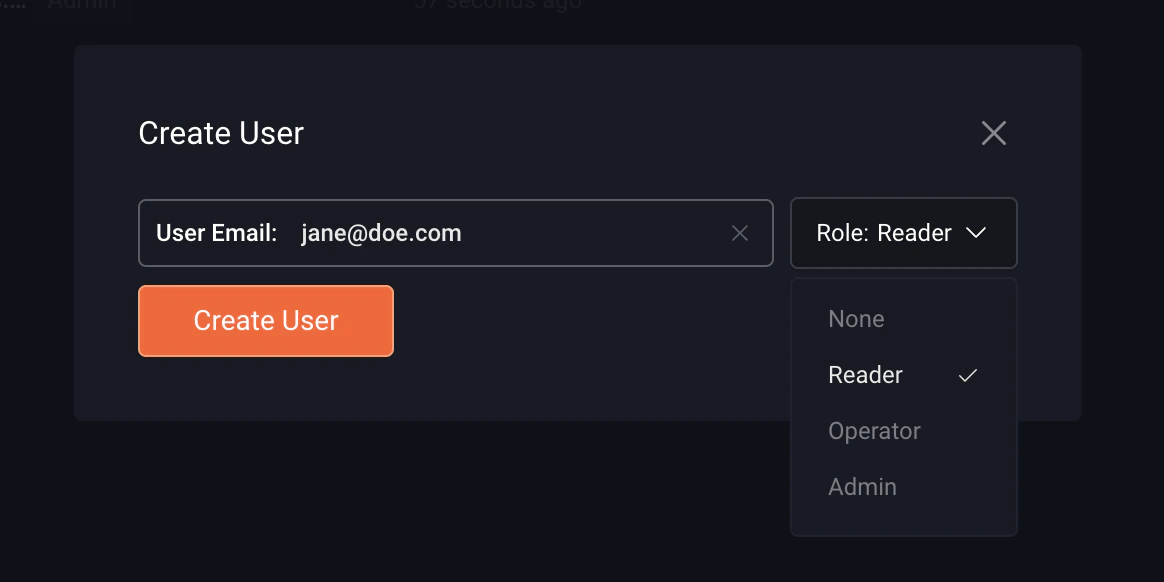
Update a user’s role
You can update a user’s role in Omni via the CLI or the Omni UI.- CLI
- UI
Run this command to update a user’s role, replacing the placeholders
<user-email-address> and <new-role> with their actual values: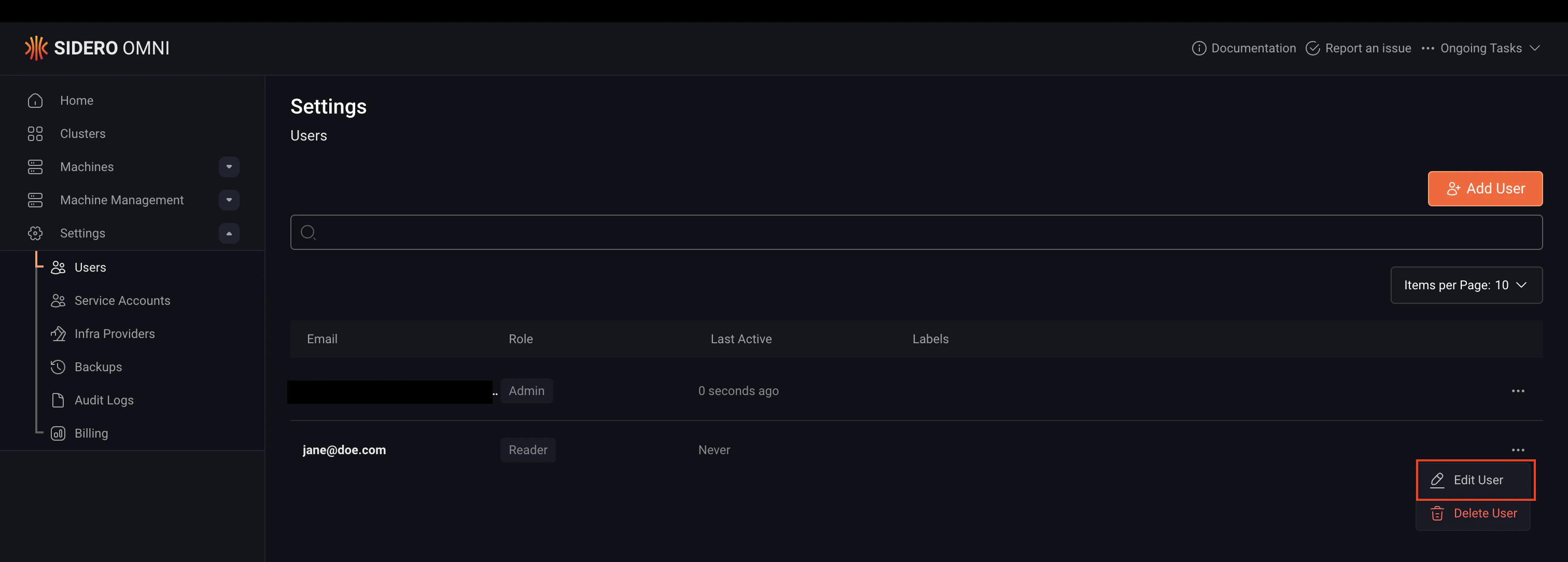
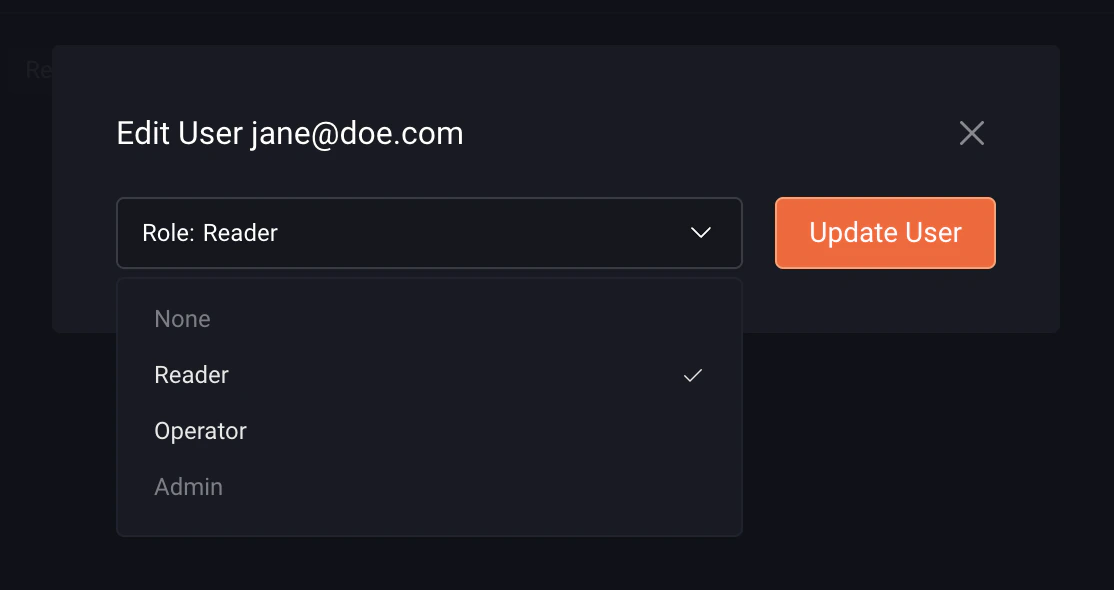
SAML users are assigned the
None role by default on first login. Update their role to grant the appropriate level of access.Delete a user
Removing a user from the identity provider prevents them from logging in but does not remove their account from Omni. To fully revoke access and clean up orphaned resources, the user must also be deleted from Omni.- CLI
- UI
Run this command to delete a user, replacing the placeholders
<user-email-address> and <new-role> with their actual values: