Documentation Index

Fetch the complete documentation index at: https://docs.siderolabs.com/llms.txt

Use this file to discover all available pages before exploring further.

Nautik is a native Kubernetes client for Apple platforms. It has a built-in Talos Omni integration that lets you authenticate and import clusters directly through a browser-based sign-in flow, without manually handling kubeconfig files. This guide walks you through connecting Nautik to your Omni instance and importing a cluster.

Prerequisites

Before you begin, ensure you have the following:
  • A macOS, iOS, or iPadOS device with Nautik installed.
  • An active Omni account with at least one cluster created.

Add a cluster to Nautik

Nautik connects to your Omni instance using a browser-based sign-in flow. Once authenticated, it lists the clusters available to your account so you can import them directly into the app. To add a cluster:
  1. Open Nautik and click + Add Cluster.
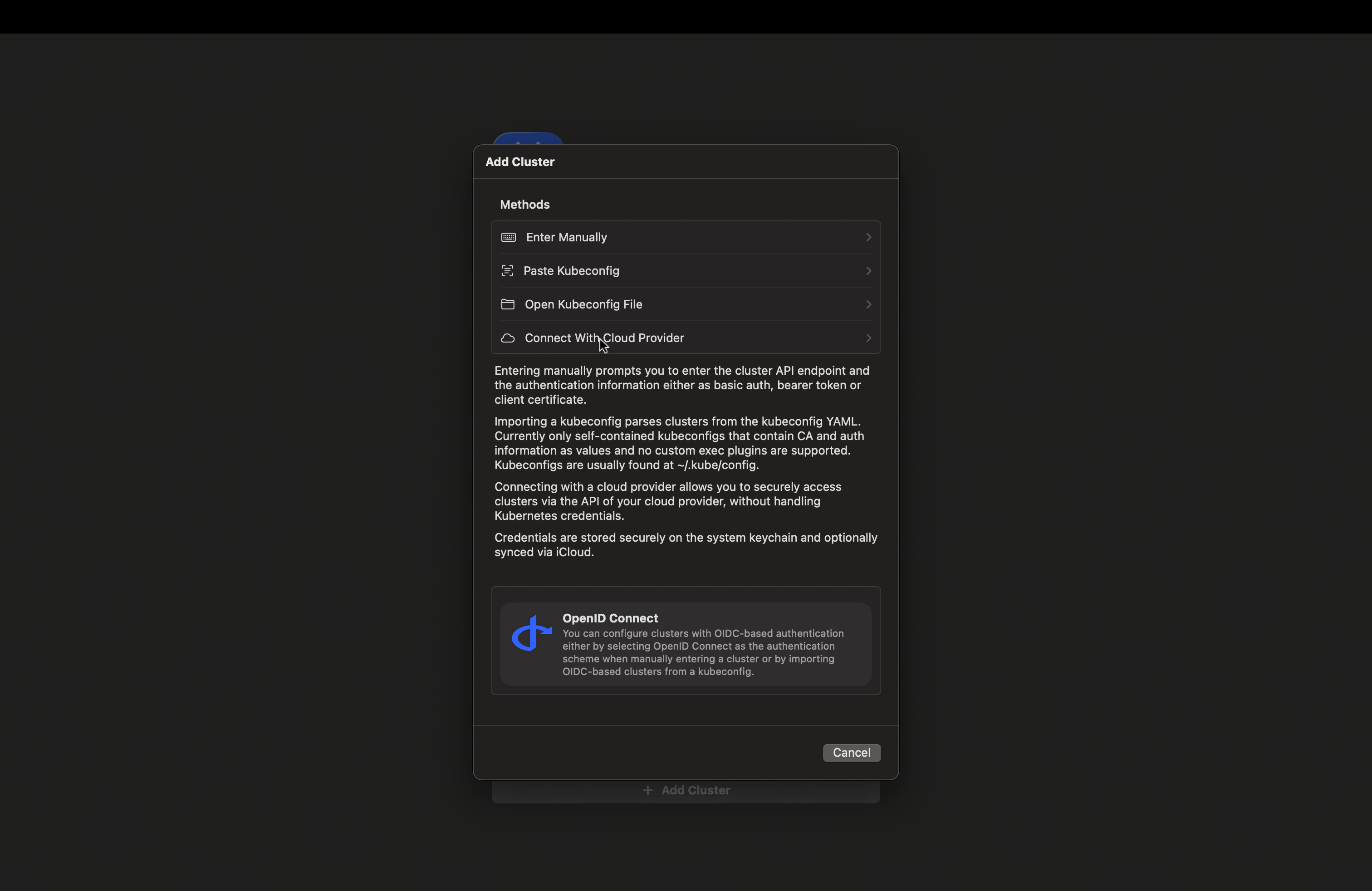
  2. Click Connect with Cloud Provider. Nautik connect with Cloud Providers
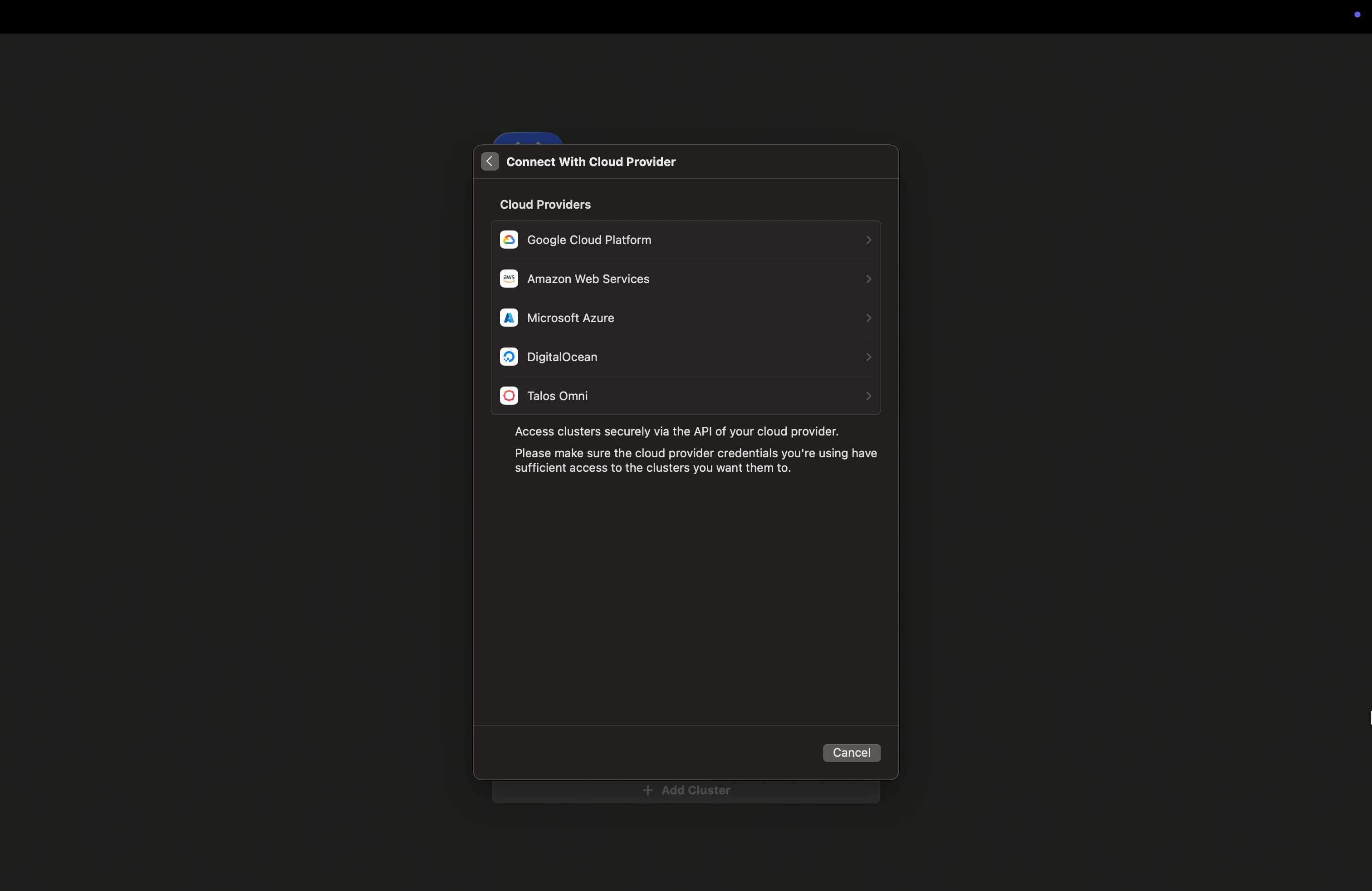
  3. Select Talos Omni from the list of providers. Nautik Talos Omni selection
  4. Enter your Omni URL and Email Address. Enter your Omni information
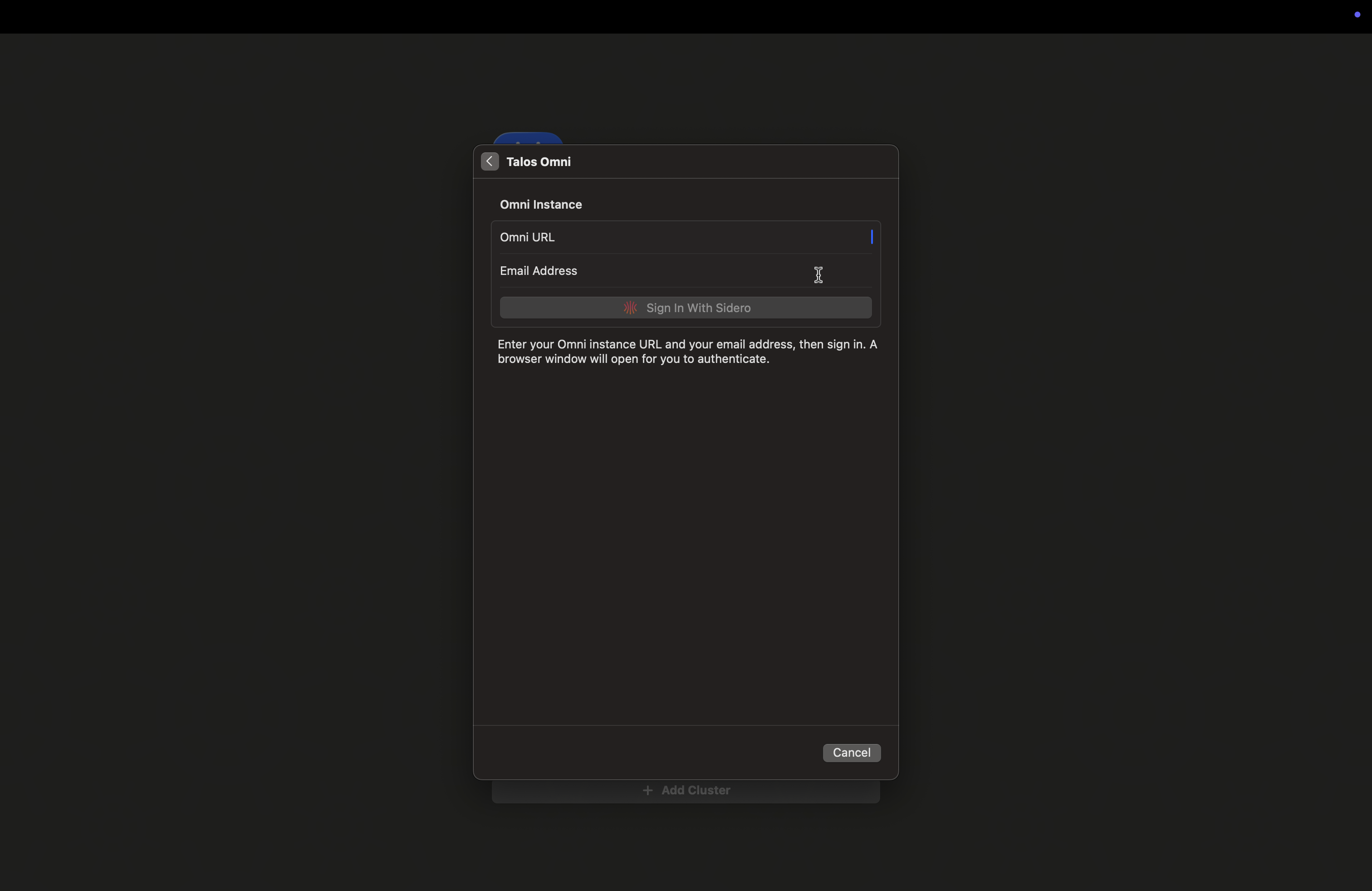
  5. Click Sign In With Sidero. A browser window will open for you to authenticate.
  6. Once authenticated, select your preferred Auth Type:
    • OpenID Connect: Short-lived credentials. You will need to re-authenticate when they expire.
    • Service Account: Long-lived token embedded in the kubeconfig. Works immediately after import with no additional login required. Select Auth Type
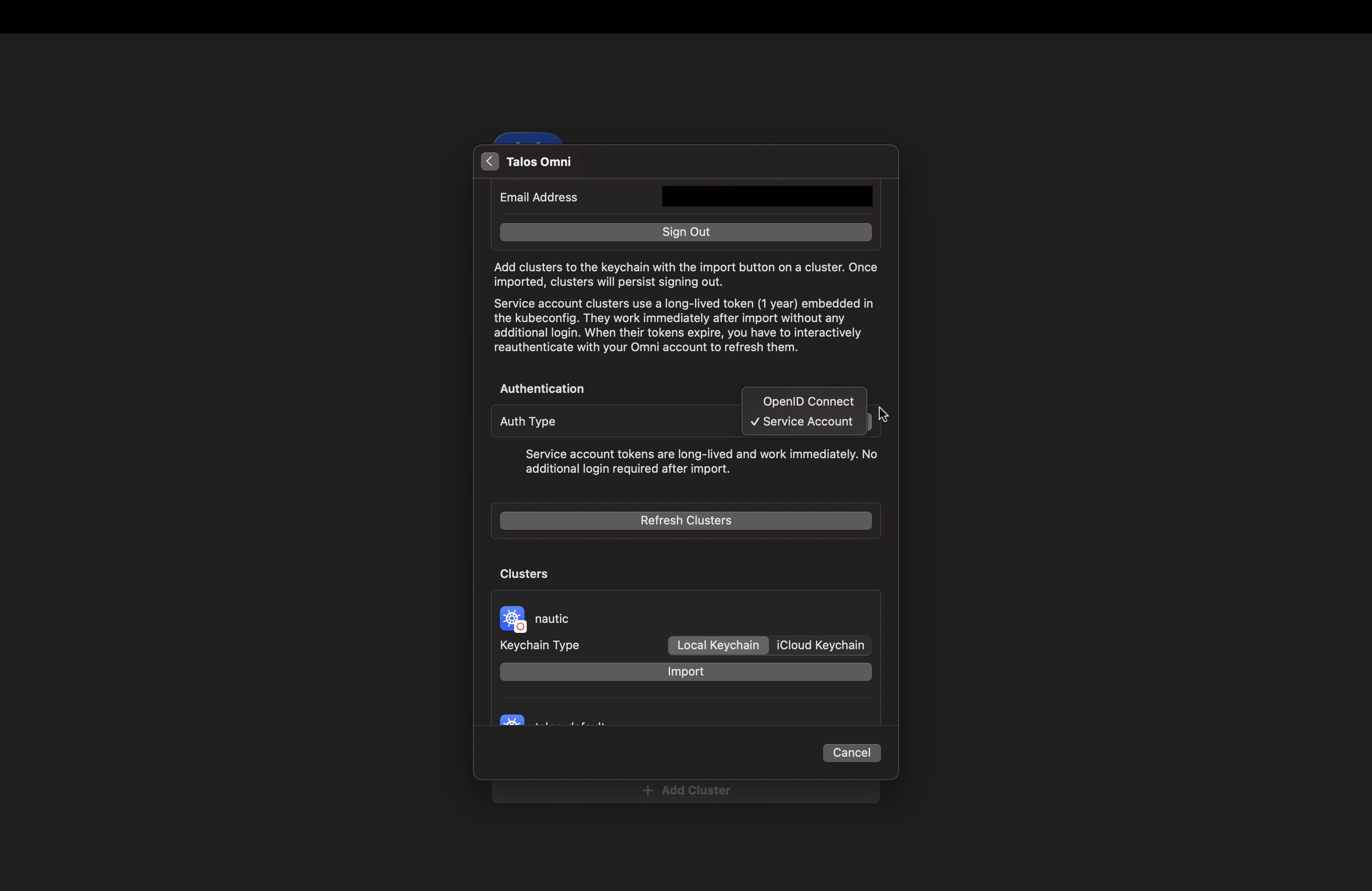
  7. Click Import next to the cluster you want to add. Import the cluster
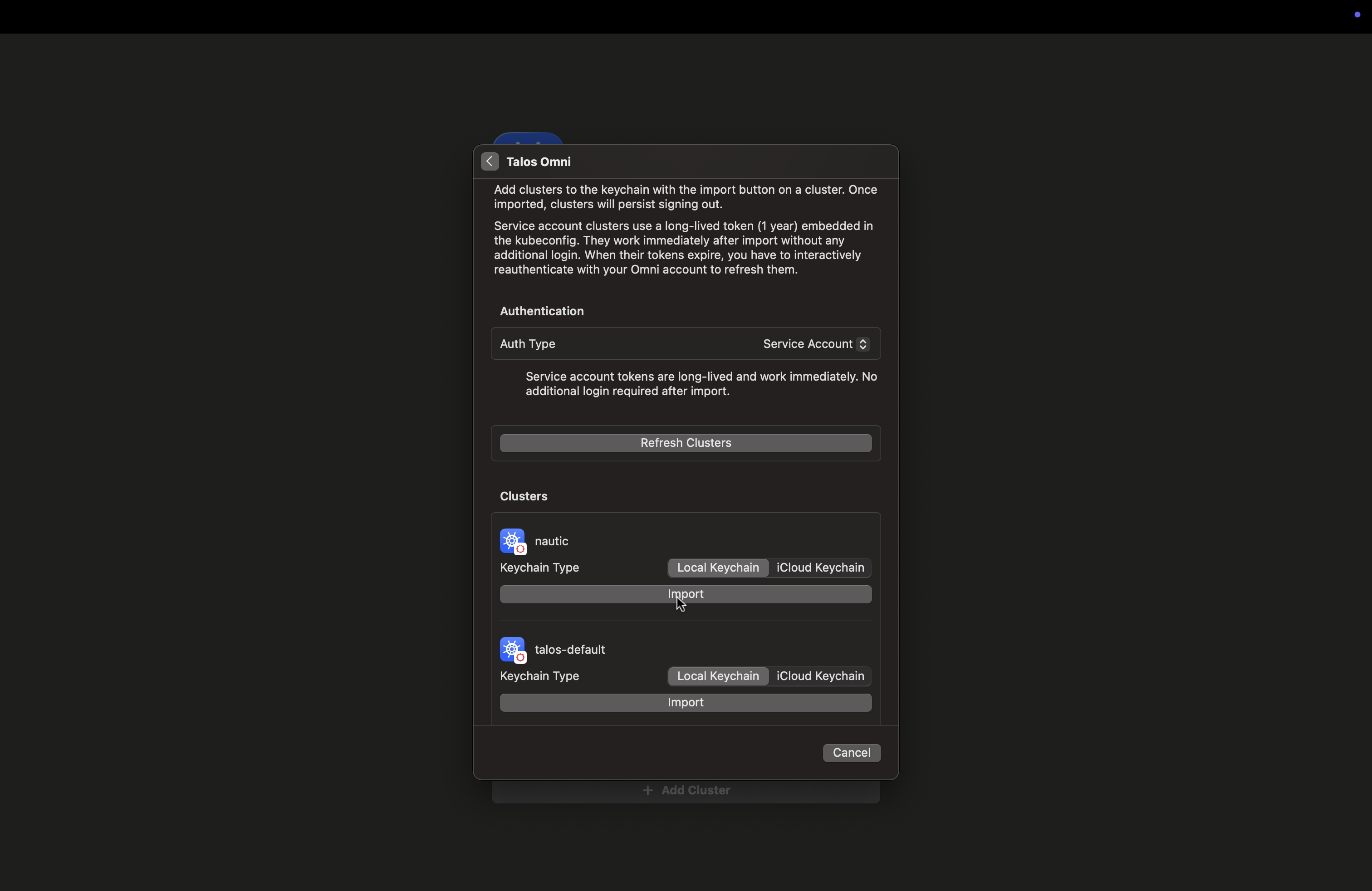
Nautik stores your credentials securely in the device keychain. You can choose between Local Keychain and iCloud Keychain at import time, iCloud Keychain syncs your cluster credentials across your Apple devices automatically.
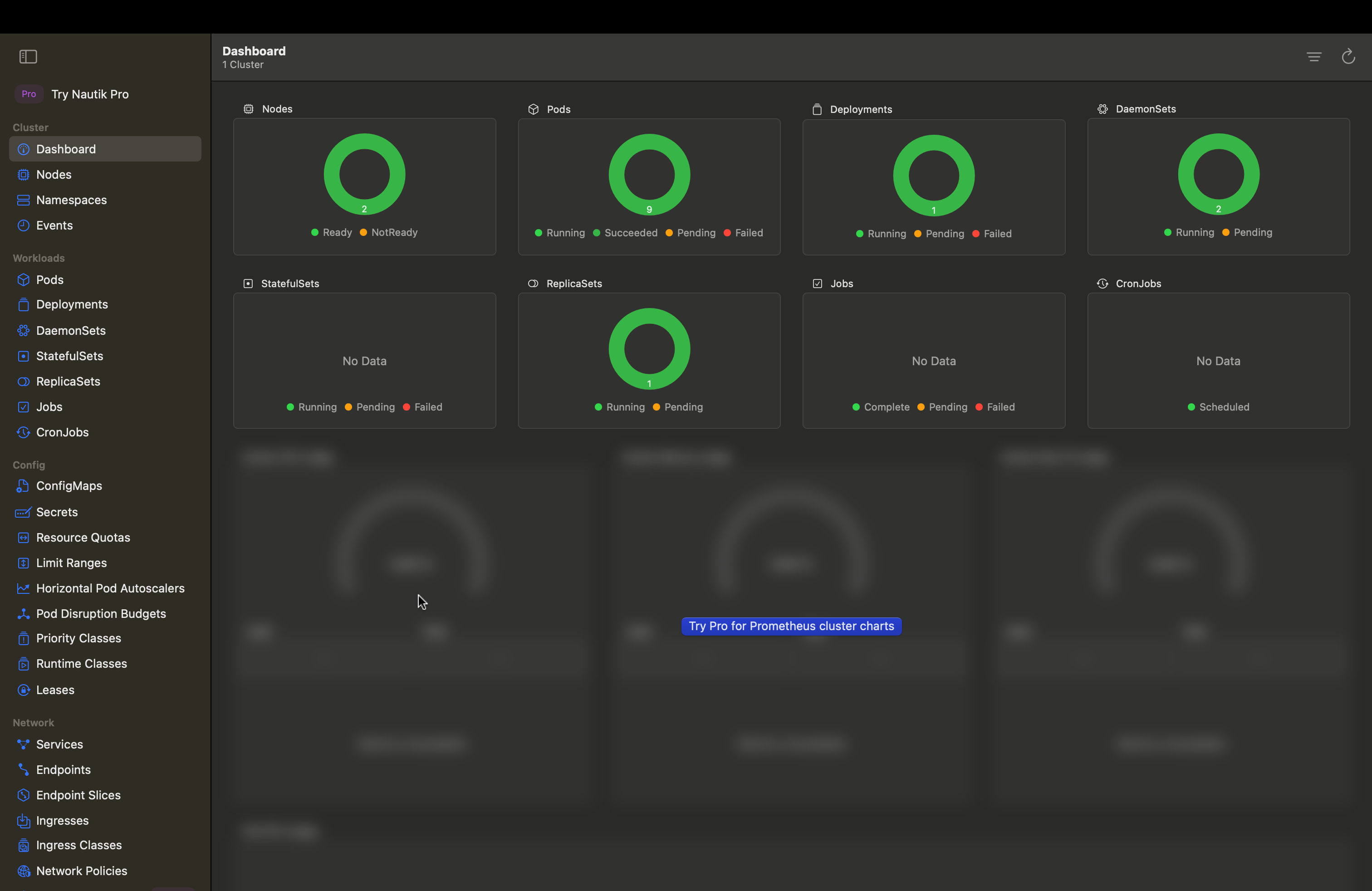
  1. Close the modal and you should see information on your cluster in the Nautik dashboard. Nautik
Remove a cluster from Nautik

If you need to remove a cluster from Nautik, you can do so at any time. Removing a cluster immediately and permanently deletes all stored credentials for that cluster from the device keychain. To remove a cluster, right-click the cluster name in the cluster picker and select Delete.