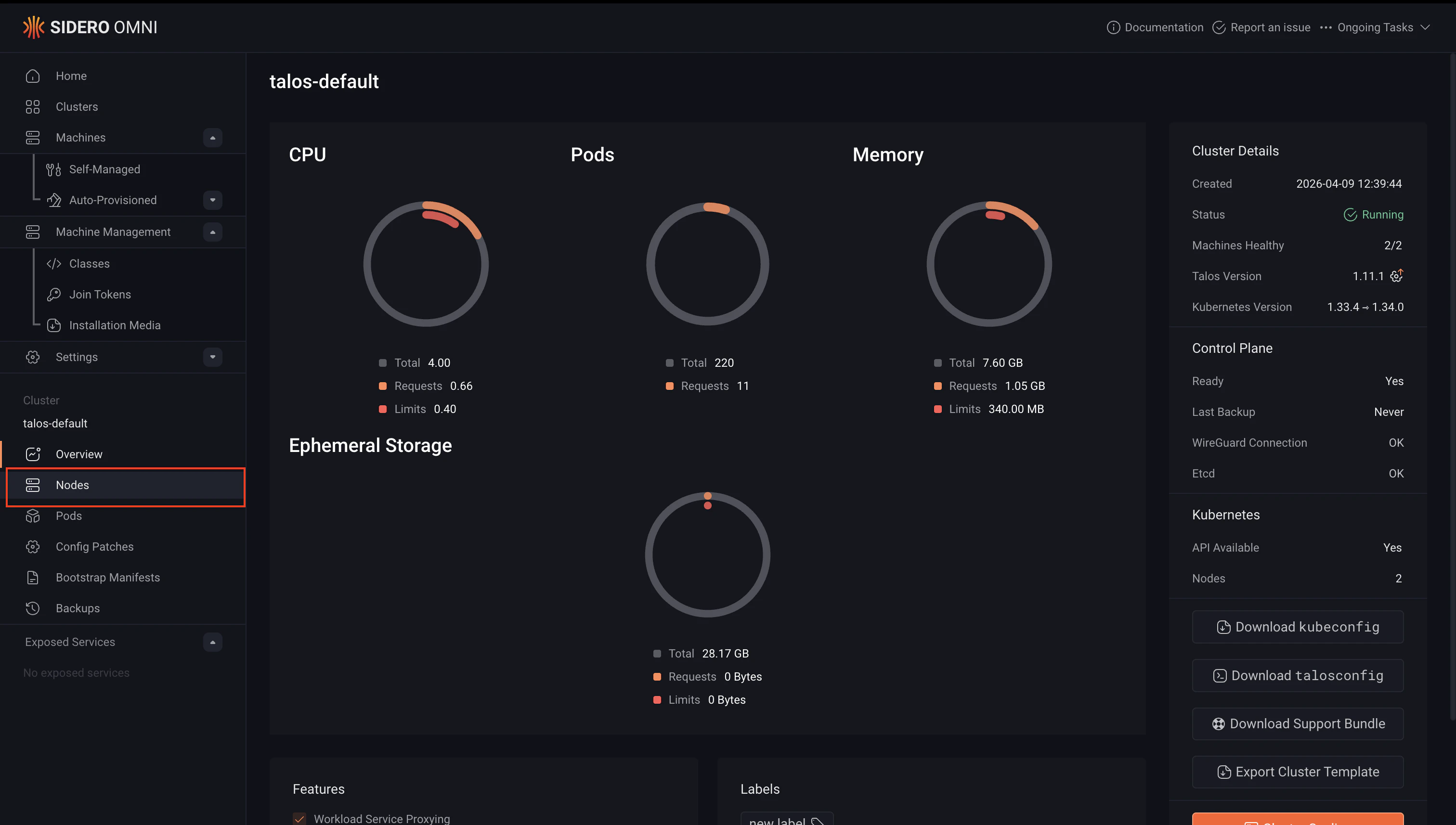
When scaling control plane nodes, always maintain an odd number (1, 3, 5) to preserve etcd quorum. Removing a control plane node without maintaining quorum can make the cluster unavailable. For high availability, SideroLabs recommends running at least 3 control plane nodes.
Scale up a cluster
Scaling up adds new nodes to an existing cluster. You can add nodes as control plane or worker nodes depending on your needs. Add a node as a control plane only if you need to increase fault tolerance or etcd quorum. For all other capacity increases, add nodes as workers.- Cluster templates
- UI
How you scale up depends on whether your cluster template uses a machine class or static machines.Then apply the updated template:To add a worker node:Then apply the updated template:For more information on cluster templates, see the Cluster Template reference documentation.
Using a machine class
Increase thesize value in the Workers or ControlPlane document:Using static machines
Add the new machine UUID to theControlPlane or Workers document:To add a control plane node: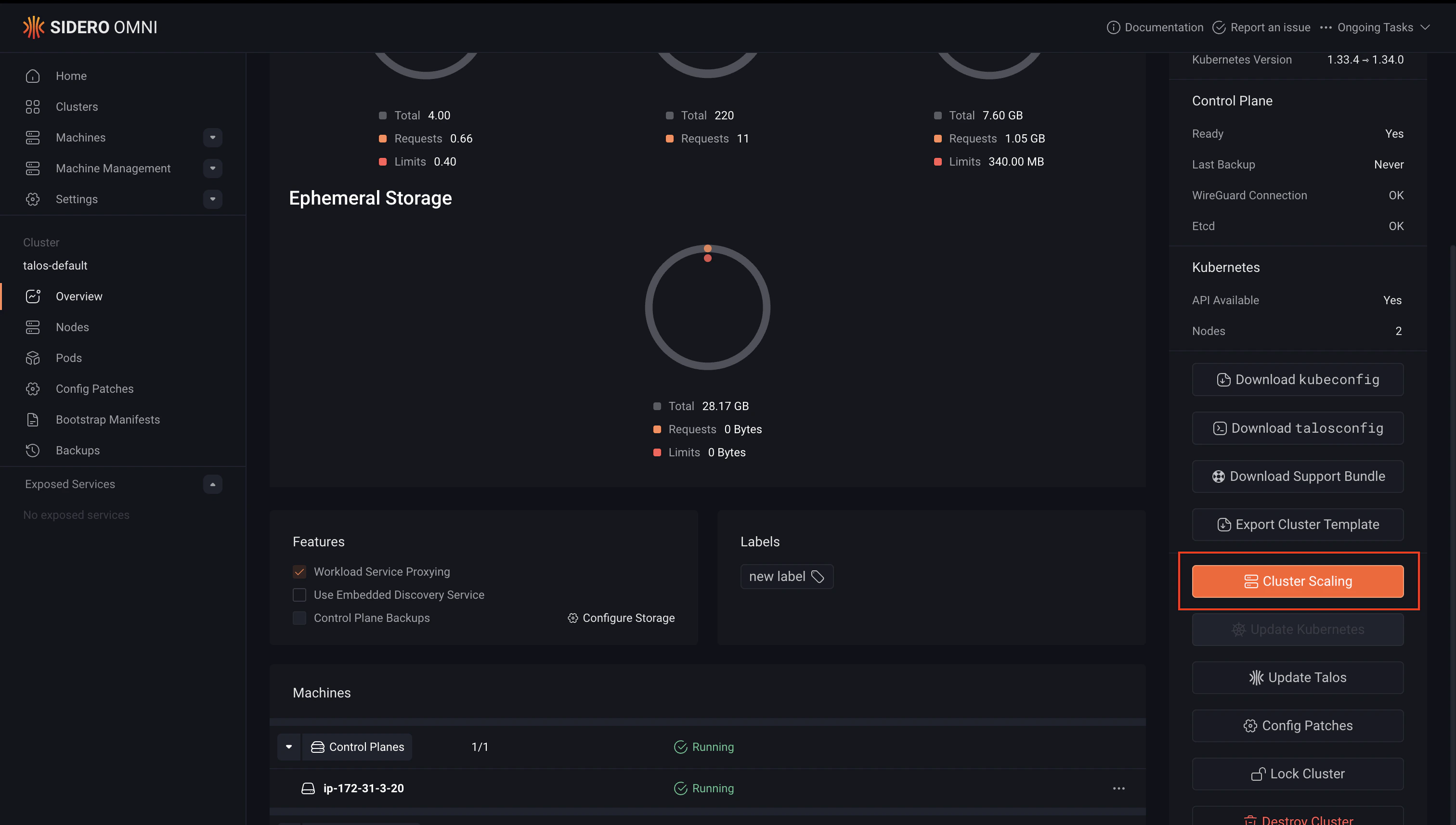
Scale down a cluster
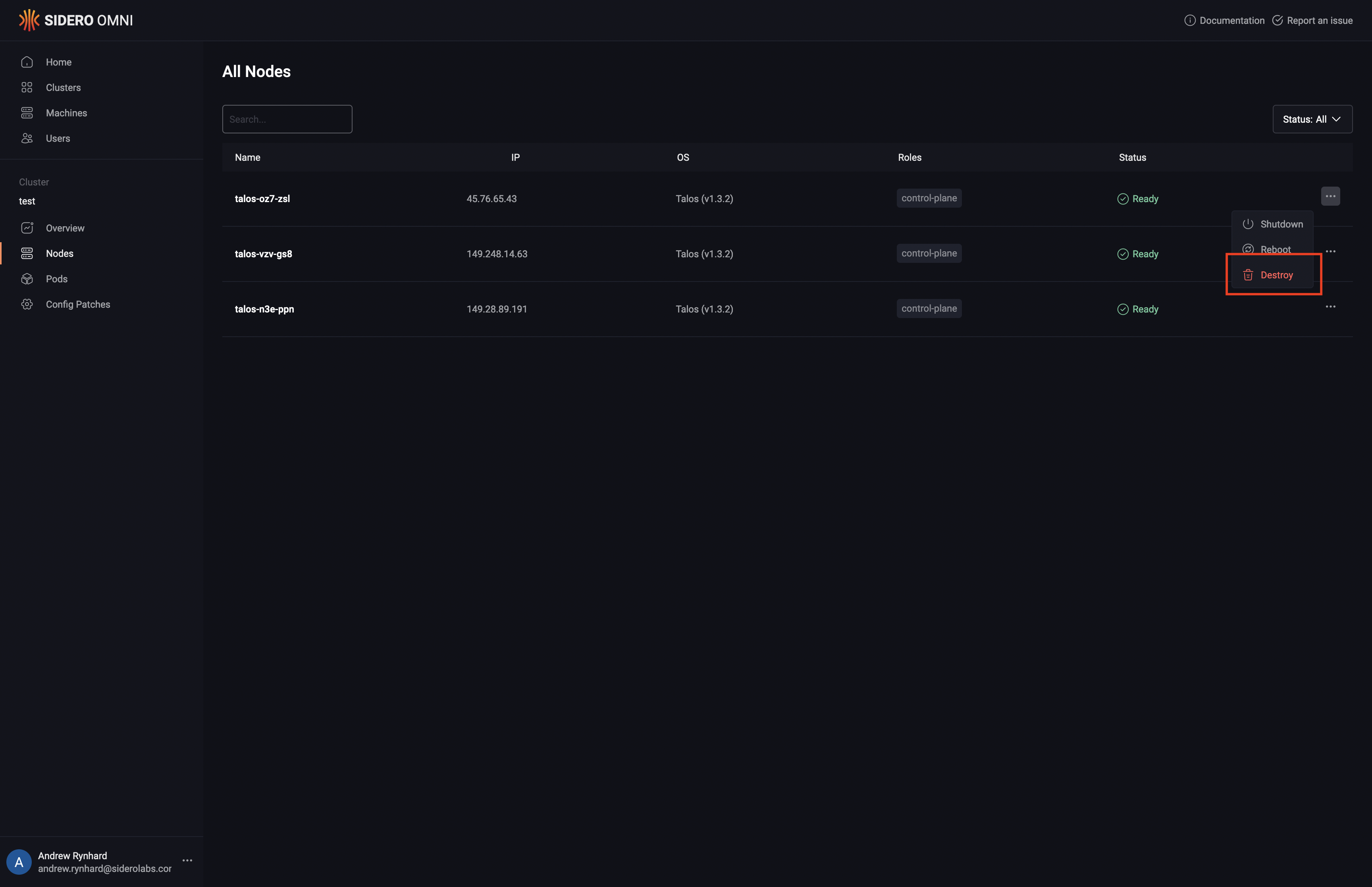
Scaling down removes nodes from a cluster. Removing a worker node is safe and non-disruptive to the cluster control plane. Removing a control plane node reduces etcd quorum, ensure the remaining number of control plane nodes is odd and sufficient to maintain a healthy cluster before proceeding.Warning: Destroying a node removes it from the cluster and wipes its configuration. This action cannot be undone. Ensure any workloads running on the node have been drained or rescheduled before proceeding.
- Cluster templates
- UI
To remove a node from a cluster managed by a cluster template, remove the machine UUID from the relevant document in your template and sync it.To remove a control plane node:To remove a worker node:Apply the updated template:For more information on cluster templates, see the Cluster Template reference documentation.