

talosconfig file contains client configuration used by talosctl to authenticate and communicate with Talos clusters.
This file is typically generated and managed by talosctl. Direct manual modification is not usually required, but understanding its structure can be useful for advanced troubleshooting or automation.
File generation
Thistalosconfig file is usually generated alongside the machine configuration (controlplane.yaml and worker.yaml) by running:
talosconfig file looks like:
Default location
By default,talosctl searches for the configuration file in standard OS-specific locations (for example, ~/.talos/config on Unix-like systems).
To specify a custom configuration file path, use the --talosconfig flag:
TALOSCONFIG environment variable:
Configuration structure
Thetalosconfig file consists of a root configuration object and one or more named contexts.
context (string)
Specifies the name of the active context.
This determines which entry under contexts is used when running talosctl commands.
Example:
contexts (map[string]Context)
Defines a set of named contexts. Each context contains the connection and authentication configuration required to communicate with a Talos cluster.
Example:
contexts contains the following fields:
endpoints ([]string)
List of Talos API endpoints. This field is required.
These are the addresses talosctl uses to connect to the cluster.
Example:
talosconfig using:
nodes ([]string, optional)
List of node addresses.
If specified, these addresses are used as default node targets for commands that operate on nodes.
Example:
ca (string, optional)
Base64-encoded Certificate Authority (CA) certificate.
Used to validate the server’s TLS certificate.
Example:
crt (string, optional)
Base64-encoded client certificate used for authentication.
Example:
key (string, optional)
Base64-encoded private key corresponding to the client certificate.
Example:
auth (Auth, optional)
Specifies an alternative authentication method.
If specified, certificate fields (ca, crt, key) may not be required depending on the authentication method.
auth.siderov1
Sidero v1 API signature authentication.
Example:
cluster (string, optional)
Optional cluster identifier.
Example:
Using Omni with talosconfig
When using Omni, the talosconfig file works differently than it does in a direct (non-Omni) setup.
You can download this talosconfig file from the Omni UI or the CLI:
- Omni UI
- CLI
Download the 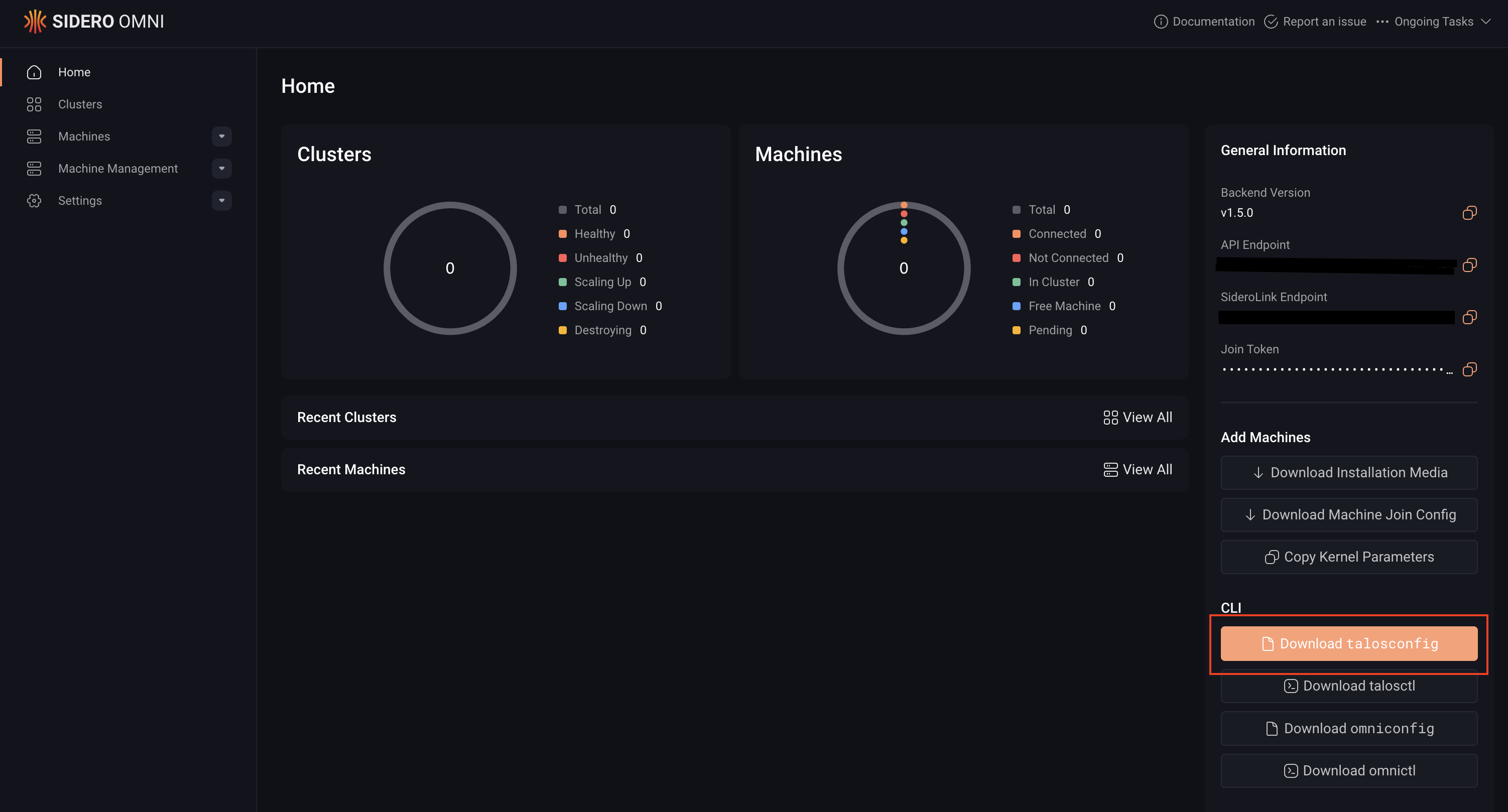
talosconfig file from the Omni UI:talosconfig, the endpoints field points to your Omni instance rather than directly to the control plane nodes.
Omni manages certificates and authentication automatically, as a result the client certificate fields (ca, crt, and key) must be empty.
A talosconfig file for managing Talos clusters through Omni looks like this:
Manage talosconfig with talosctl
In most cases, the configuration file is managed using talosctl config commands. Refer to the talosctl config reference for more information.