

Prerequisites
- Enable block storage on your Scaleway account (Scaleway will only allow snapshots from their block storage, not URLs)
- Configure the
scwCLI to access your account (optional - you can use the console instead) - Have
qemu-imgandwgetinstalled for image conversion
Image preparation
- Download the image disk of the Talos version you wish to run:
You can create your own brew on Talos Factory if you need a custom image.
A working extra kernel command line arguments is as follow : -console talos.platform=scaleway console=ttyS0,115200 talos.dashboard.disabled=0
-
Decompress and convert the image:
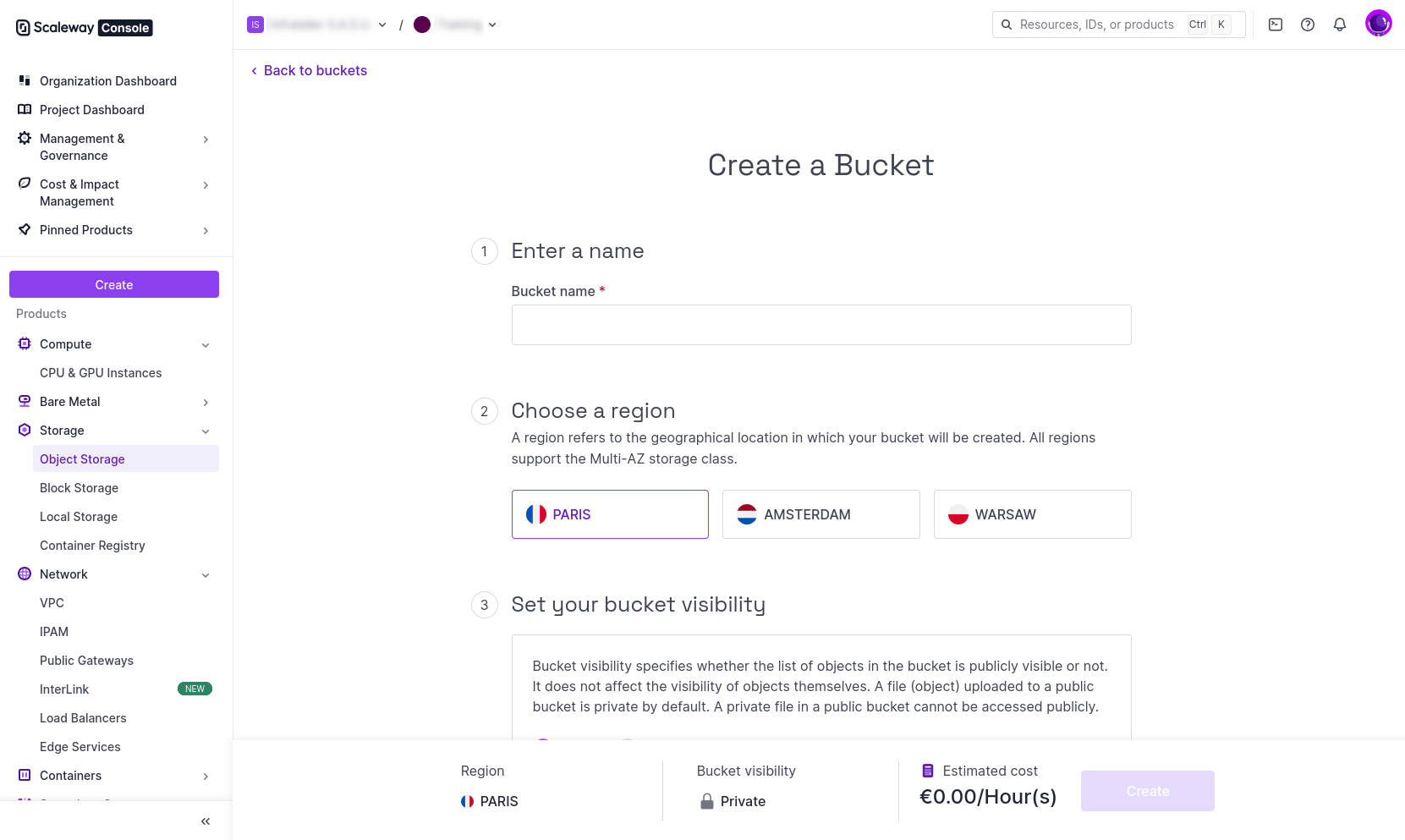
- Create an S3 bucket (if it doesn’t exist): Go to Object Storage in the Scaleway console and create a new bucket.
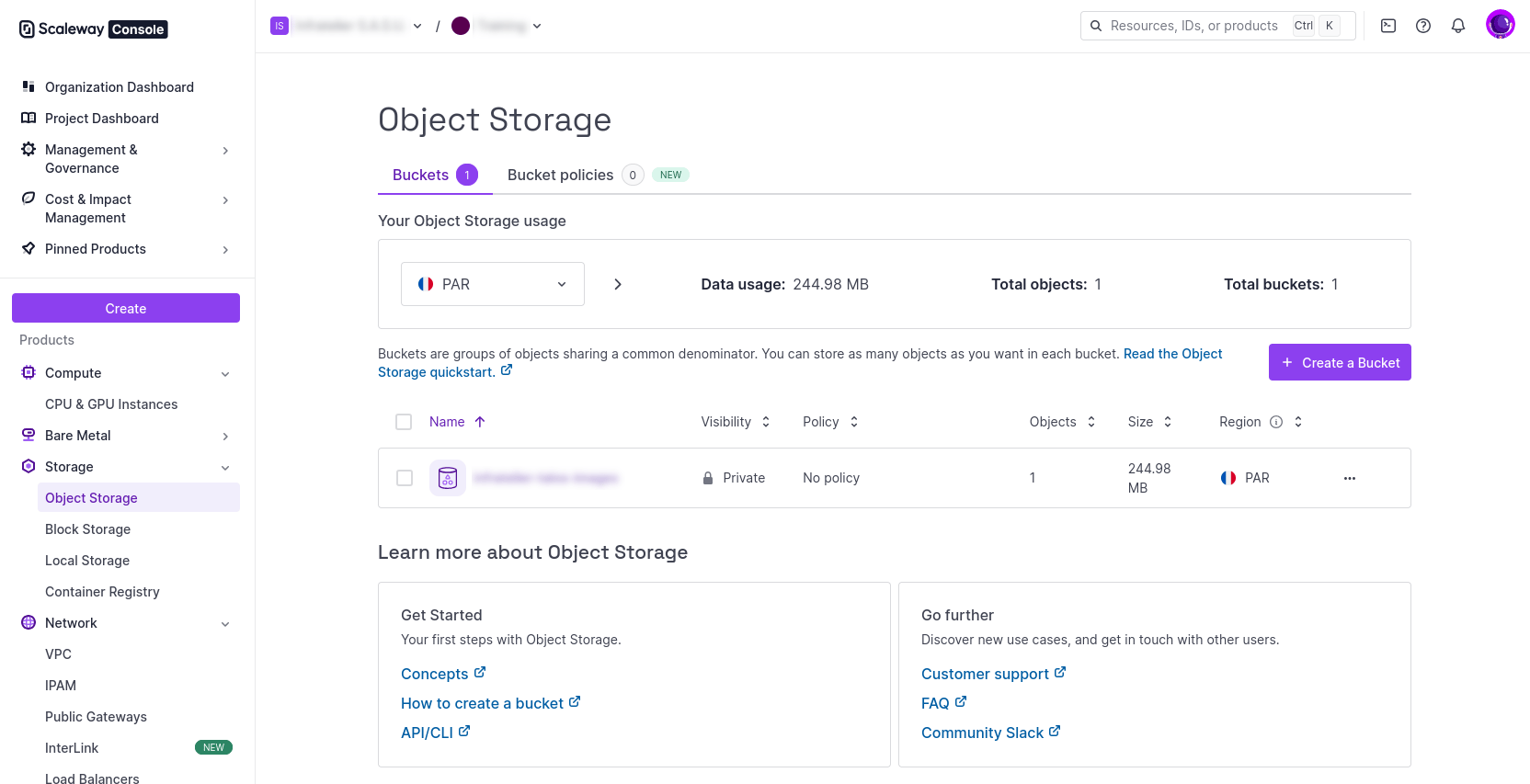
- Upload to S3-compatible object storage: Use the Scaleway console Object Storage interface to upload the QCOW2 file directly.
Snapshot creation
- Go to the Scaleway Web console.
- Go to the QCOW2 object in your S3 bucket.
- Click on the extra action Import object as snapshot.
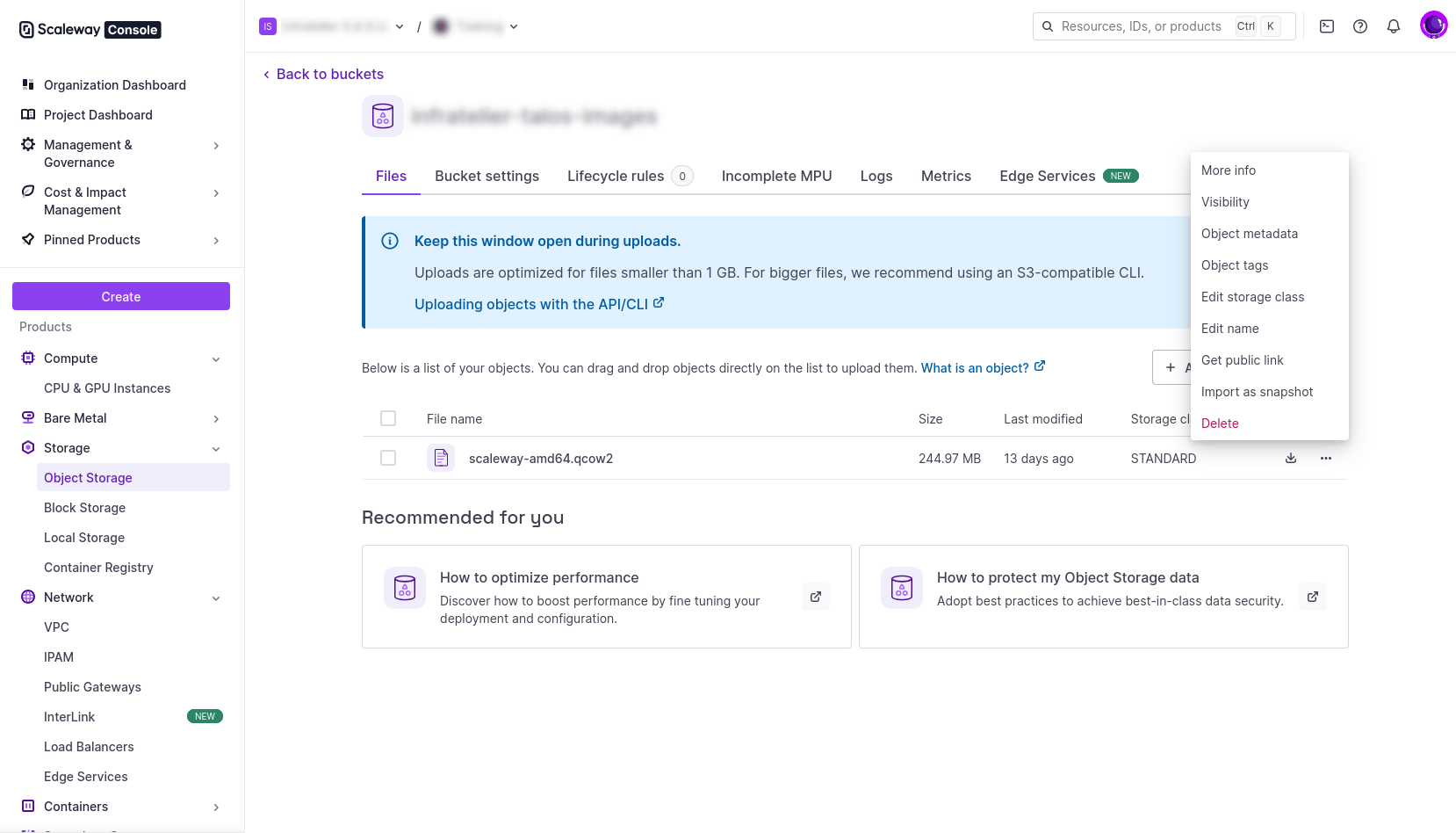
- Name the snapshot scaleway-amd64-vv1.14.4, and use a Local Storage snapshot type.
Instance deployment
- Create instance using the snapshot/image via GUI, CLI, or Infrastructure as Code tools.
-
Open the Security Group in order to open
TCP/50000andTCP/6443. - The Talos disk image used to boot is 4.5GB, and is not enough for the EPHEMERAL partition.
-
Add an extra Disk of 25GB (Local Storage) for Talos EPHEMERAL partition. The Talos OS (4.5GB) will be on
/dev/vdaand the extra disk for EPHEMERAL partition will be on/dev/vdb. At this point, you can debug and communicate with the instance on —insecure mode :
Talos configuration
As any other Talos instance, generate the Talos machineconfig, with the following patch :Talos cluster bootstrap
One last command to bootstrap your Talos Cluster :Notes
- Because the STATE partition will be written to
/dev/vdaduring the installation, the instance works correctly with Scaleway’s reboot functionality talosctl resetperforms the reset operation but don’t start the maintenance mode automatically- If you give a bigger disk (let’s say 25GB) for the Talos disk image for the Scaleway Instance, unfortunately Talos won’t be able to expand its volume to 25GB and still see 4.5GB which is not enough for the EPHEMERAL partition